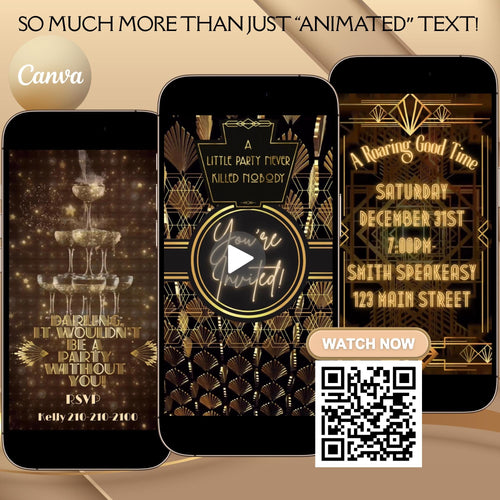
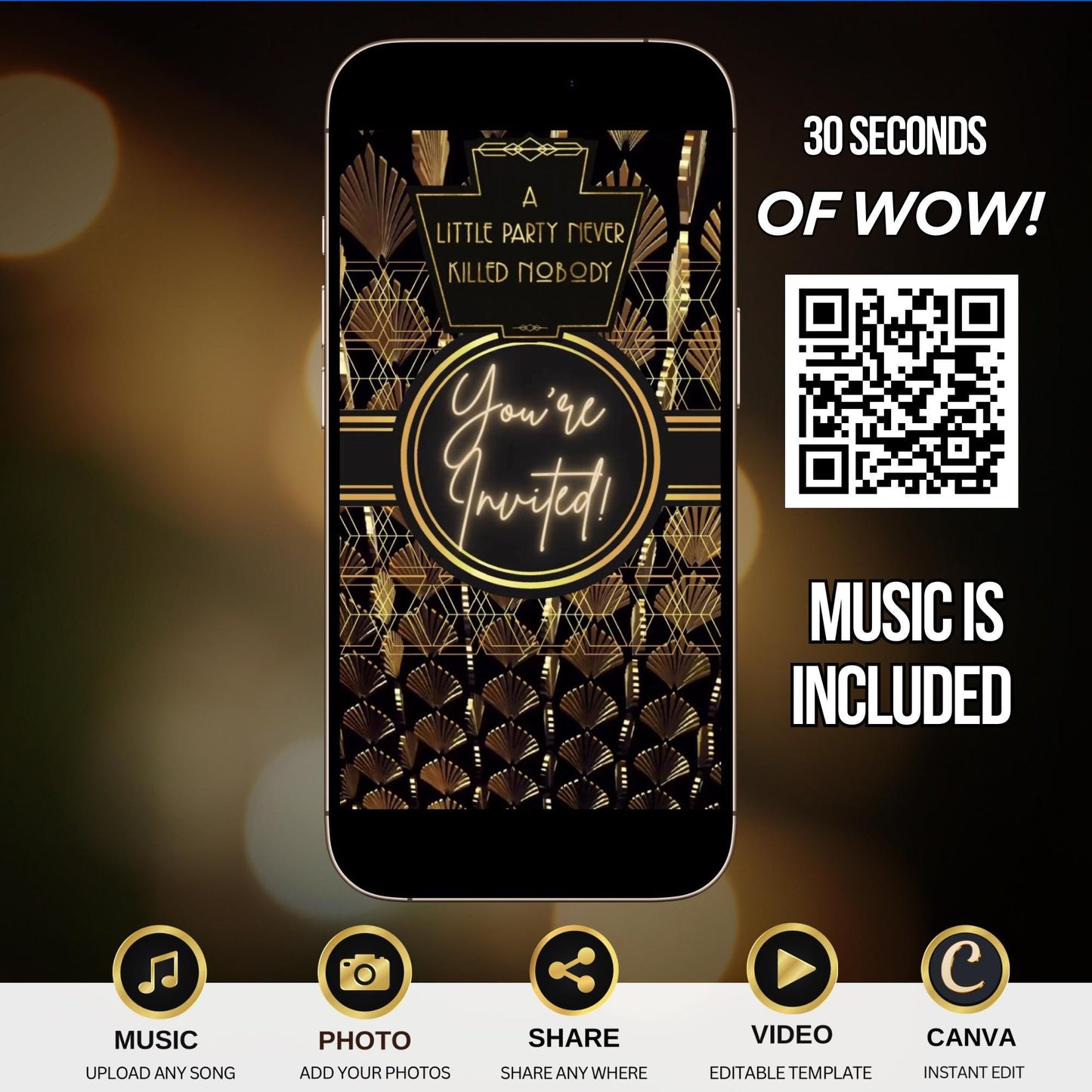
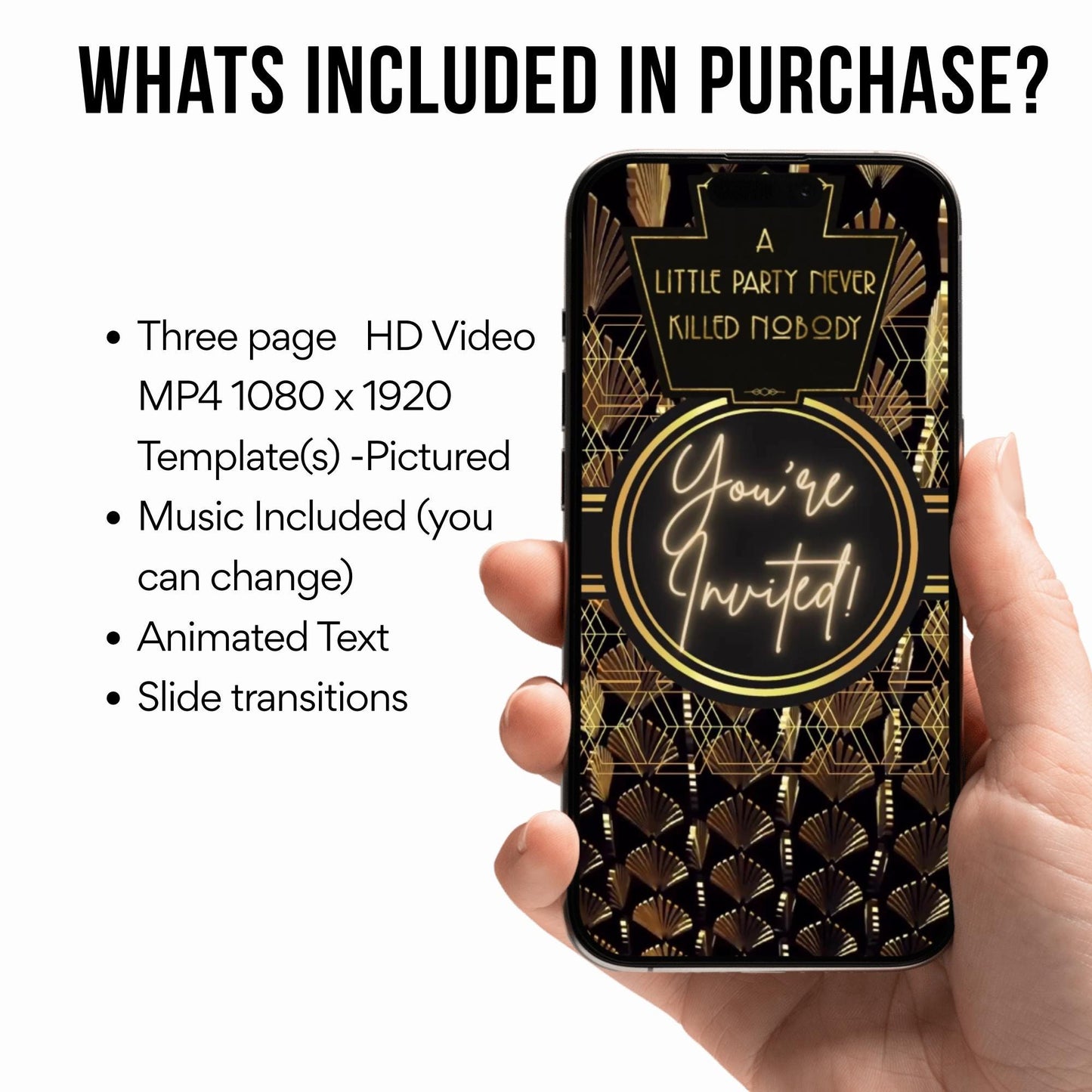
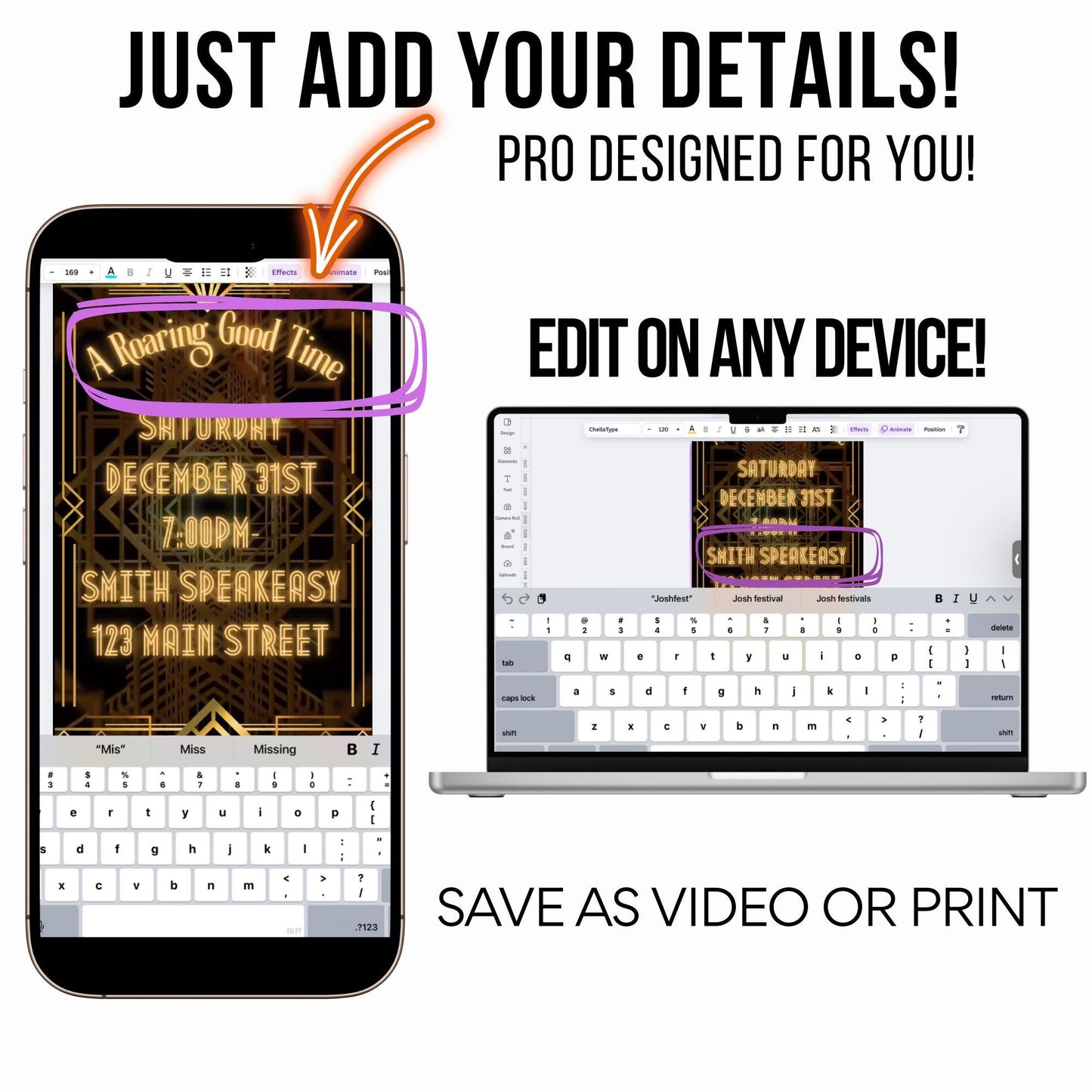
Step into the Gatsby era with this Roaring 20s video invitation! This glamorous art deco accents, gold sparkle animation, and plenty of jazz-age flair—perfect for graduation, milestone birthday, or speakeasy-themed parties.
FEATURES
✔ Editable Canva video invitation (no special software needed) ✔ Whimsical forest & moonlight theme for a magical celebration ✔ 1080 x 1920 HD vertical format (mobile optimized) ✔ Add name, date, time, location & custom song ✔ Download as MP4 or share link instantly
WHAT TO EXPECT
1️⃣ Purchase this listing for instant access 2️⃣ Open your Canva link from Etsy/email 3️⃣ Personalize your invitation details 4️⃣ Download the final version as an MP4 or copy the share link
WHAT YOU CAN EDIT
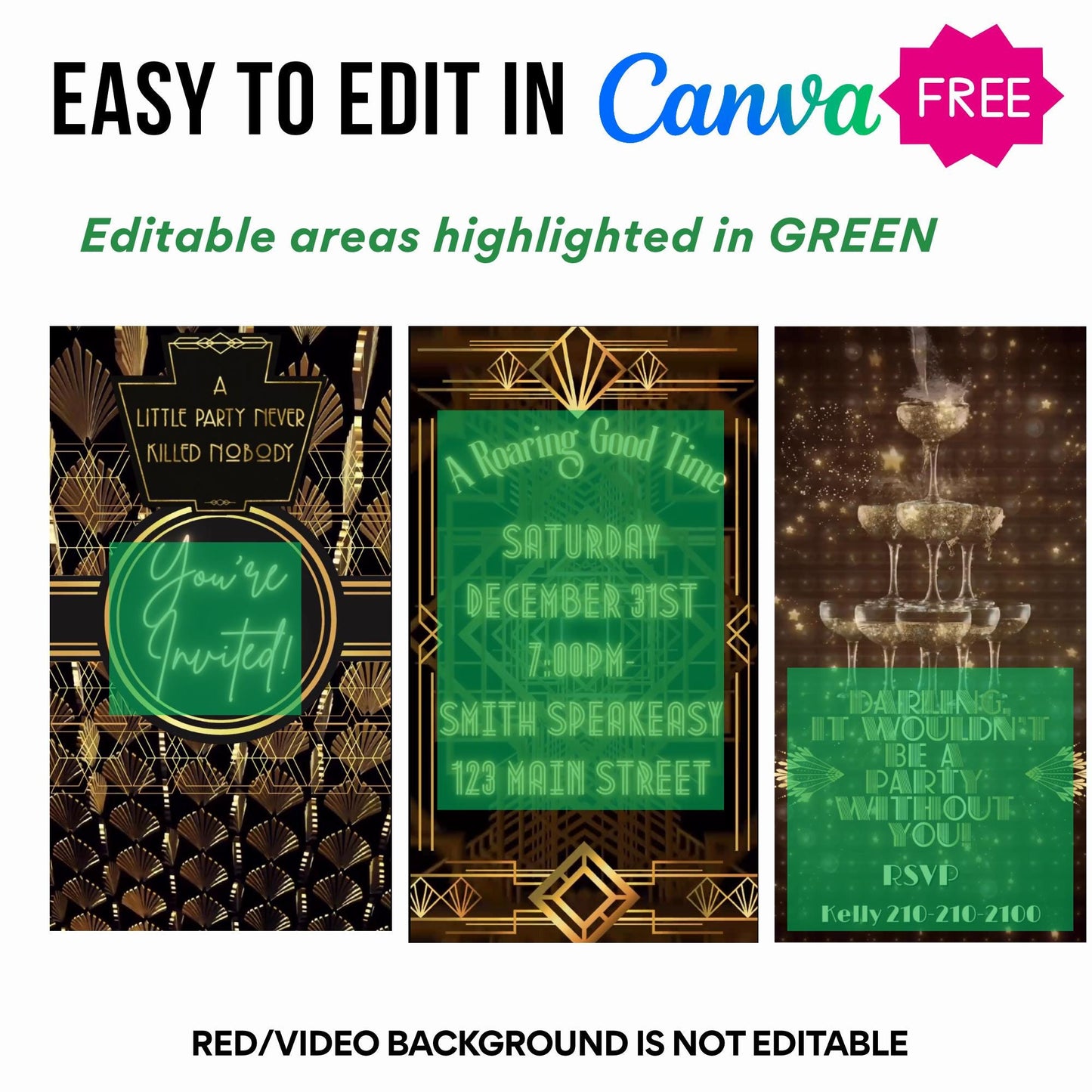
✅ Text: name, date, time, address, RSVP ✅ Music: upload your own or use Canva audio ✅ Add/Delete: optional photo, extra scenes ❌ Background animation and artwork are fixed to preserve design integrity
lightbulb_2
Product Info
Instantly downloadable digital invite with animated text and music for parties and celebrations.
FEATURES ⭐
• Editable Canva invitation template • High-quality animated design (1080 x 1920 screen) • Music and RSVP tracking included • Share by text, WhatsApp, email, or social media • Mobile-friendly design guests love
help
How it works
How It Works
1️⃣ Purchase the template, Immediately access your Canva template link.
2️⃣ Edit your invitation, Personalize the design with your event details and photos.
3️⃣ Add your RSVP option by A) Create LYFETYMES Interactive Website B) LYFETYMES RSVP form- website templates, add a QR code, C) or simply add your phone number to invite.
4️⃣ Send your invitation by text, email, WhatsApp, or social media. • Canva account required (free) | LYFETYMES account needed for RSVP/party planning(FREE) • Personal use only
edit
Editing in Canva
All invite editing done in Canva, which is free.
You can: • Add or remove text • Change fonts, colors, and size • Replace photos with your own images • Change music • Adjust event details
You cannot:
• Edit animated graphics • Change the video background
Once you finish editing, simply download and send or share the guest watch link (recommended for best guest experience) by text, email, WhatsApp, or social media.