Get your guests in the Halloween spirit before the party even starts! This animated video invitation features a dancing skeleton, glowing neon pink script, and a spooky starry-night backdrop for the perfect mix of creepy and fun. Whether you’re hosting a costume party, Halloween bash, birthday celebration, or haunted gathering, this eye-catching video invite is sure to get everyone excited.
✨ Fully Editable in Canva
Personalize the text, event details, and music in minutes using Canva. No design experience required!
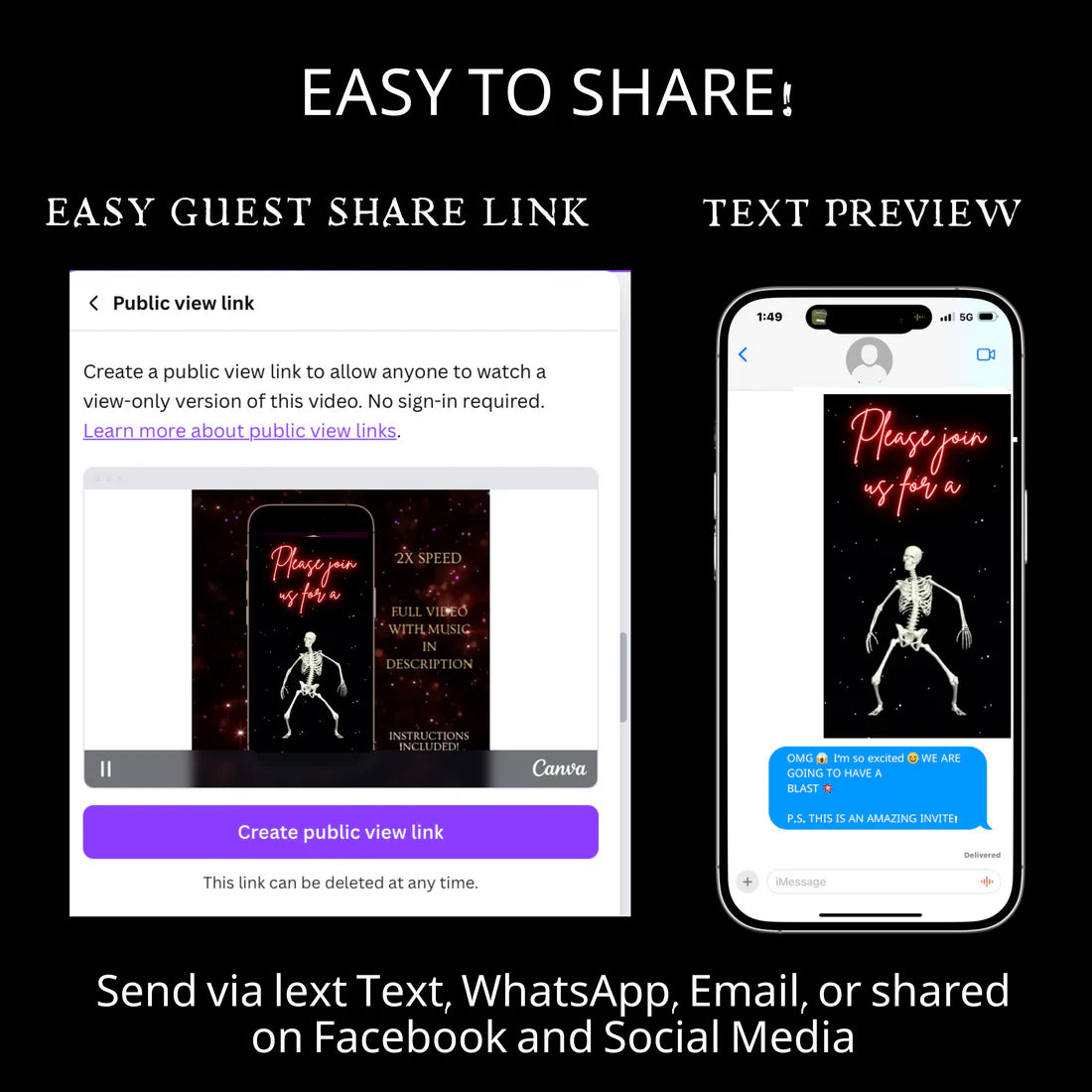
📱 Easy to Share
Download as an MP4 video and send instantly by text message, email, Facebook, Instagram, WhatsApp, or any social platform.
🎃 What’s Included
Editable Canva video invitation template
Vertical HD video format (1080x1920)
Instant access after purchase
Easy drag-and-drop editing
Mobile-friendly design
👻 Perfect For
Halloween Parties
Costume Parties
Haunted House Events
Adult Halloween Gatherings
Teen Halloween Celebrations
Halloween Birthday Parties
Spooky Girls’ Night Out
Trick-or-Treat Events
🦴 Why You’ll Love It
Fun dancing skeleton animation
Trendy neon pink Halloween aesthetic
Quick and easy customization
No software required
Share in minutes
Create a Halloween invitation that’s spooky, stylish, and impossible to ignore. Your guests will be counting down the days until the party starts!
lightbulb_2
Product Info
Instantly downloadable digital invite with animated text and music for parties and celebrations.
FEATURES ⭐
• Editable Canva invitation template • High-quality animated design (1080 x 1920 screen) • Music and RSVP tracking included • Share by text, WhatsApp, email, or social media • Mobile-friendly design guests love
help
How it works
How It Works
1️⃣ Purchase the template, Immediately access your Canva template link.
2️⃣ Edit your invitation, Personalize the design with your event details and photos.
3️⃣ Add your RSVP option by A) Create LYFETYMES Interactive Website B) LYFETYMES RSVP form- website templates, add a QR code, C) or simply add your phone number to invite.
4️⃣ Send your invitation by text, email, WhatsApp, or social media. • Canva account required (free) | LYFETYMES account needed for RSVP/party planning(FREE) • Personal use only
edit
Editing in Canva
All invite editing done in Canva, which is free.
You can: • Add or remove text • Change fonts, colors, and size • Replace photos with your own images • Change music • Adjust event details
You cannot:
• Edit animated graphics • Change the video background
Once you finish editing, simply download and send or share the guest watch link (recommended for best guest experience) by text, email, WhatsApp, or social media.