Skip to product information
Spooky Circus Halloween Video Invitation | Personalized Scary Carnival Animated Evite

Spooky Circus Halloween Video Invitation | Personalized Scary Carnival Animated Evite

 (12,136 Reviews)
Regular price $9.99
Regular price $9.99 Sale price
SAVE $-9.99 Sold out

Spooky Circus Halloween Video Invitation | Personalized Scary Carnival Animated Evite

Spooky Circus Halloween Video Invitation | Personalized Scary Carnival Animated Evite

Regular price $9.99
Regular price $9.99 Sale price
SAVE $-9.99 Sold out

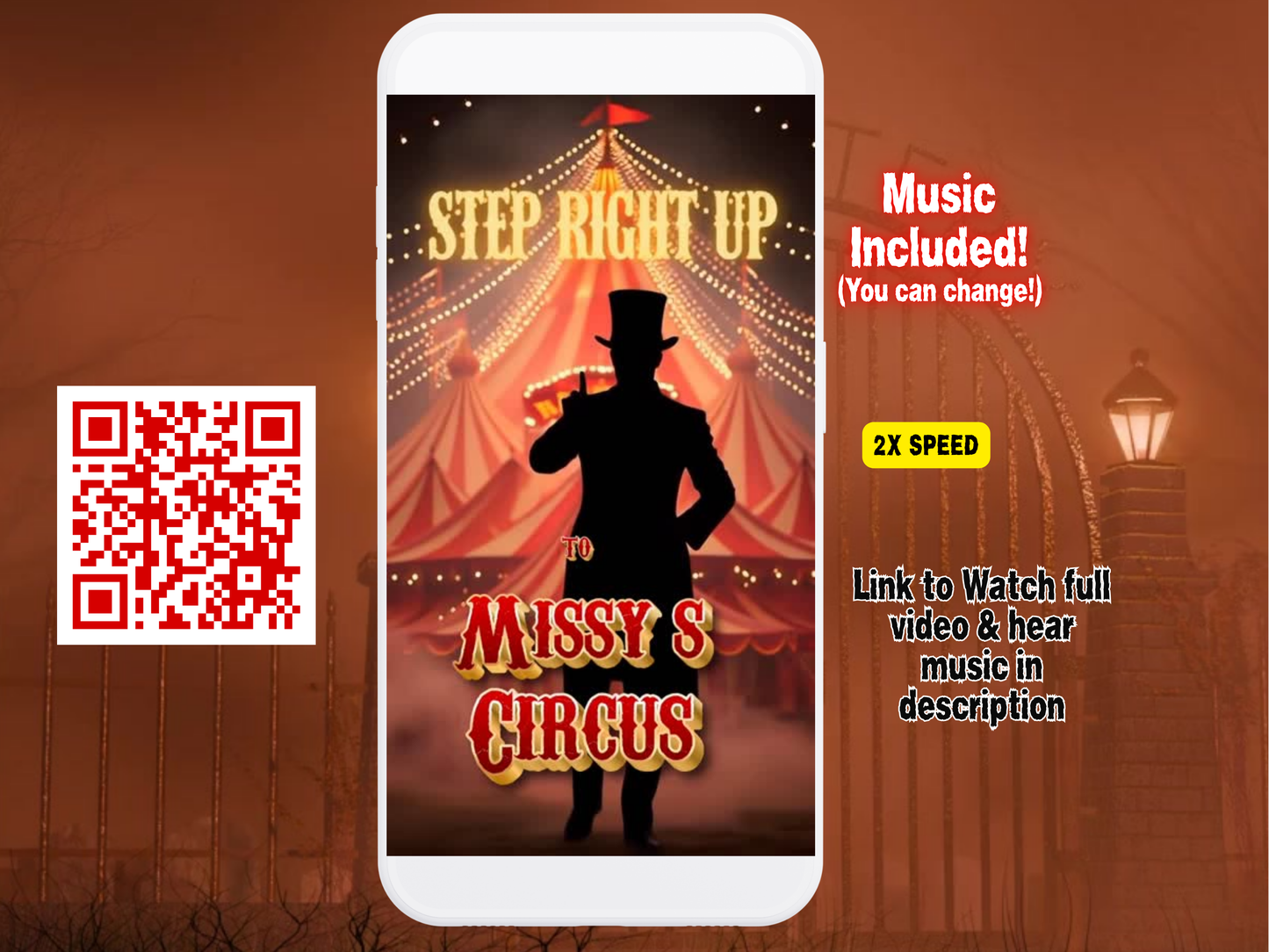
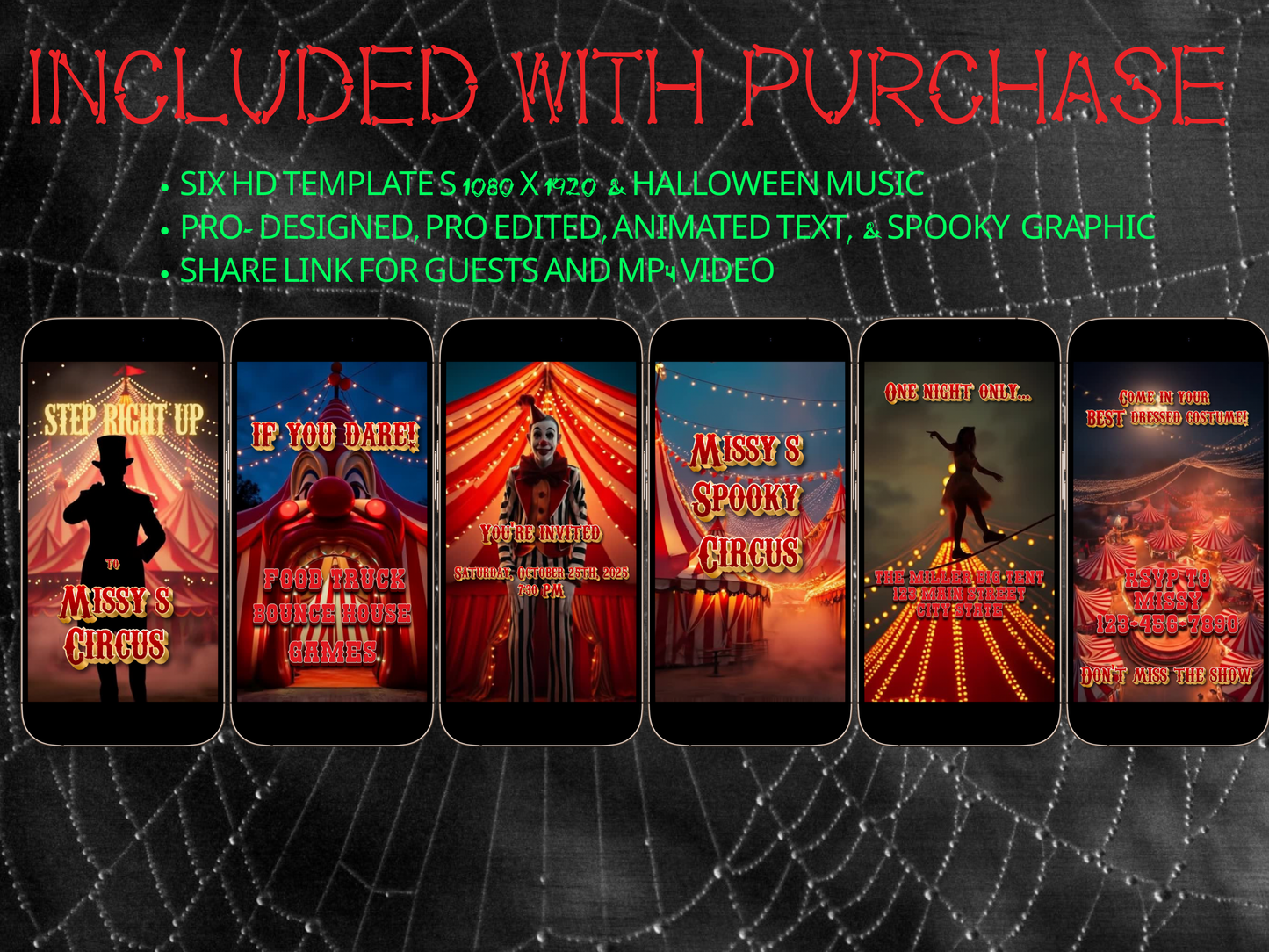
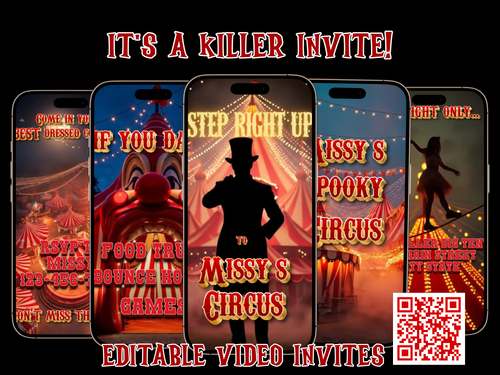
Set the tone for a frightfully fun night with our Halloween Party editable video invitation. This thrilling Halloween design is perfect for costume parties, haunted house gatherings, or any October 31st celebration. With vibrant Halloween colors, spooky animations, and a matching haunted music, your guests will be counting down the days until the big night.

Bring your party to life with a fun, animated Halloween video invitation with RSVP website. Editable Canva template with animated invite, music, and interactive RSVP link. Perfect for Halloween parties and costume events.

✨ Spooky Halloween theme
✨ Animated text and effects
✨ Music included (or add your own)
✨ Designed for mobile viewing

👉 Your party starts the moment they open it


💻 INTERACTIVE RSVP WEBSITE INCLUDED

No more sending multiple links or chasing guests for responses.

Your guests can:
• RSVP instantly
• View event details
• Get directions
• Access registry or gift options
• Stay updated

👉 Everything in one place


💥 WHY THIS IS DIFFERENT FROM ALL VIDEO INVITES

Most invites:
❌ Aren’t interactive
❌ Require separate RSVP links

With LYFETYMES:
✔ Interactive video experience
✔ Built-in RSVP
✔ Easy for guests

👉 No confusion. Just a better experience


🎉 PERFECT FOR

• Halloween Parties
• Costume Parties
• Adult or Kids Events
• Haunted House Themes
• Birthday Parties


✨ FULLY CUSTOMIZABLE

Edit your invite easily in Canva:

• Text, colors, and fonts
• Music
• Event details
• Add pages

👉 No design experience needed


🧠 SMART RSVP SYSTEM-OPTIONAL

• Track RSVPs instantly
• Limit guest count
• Ask questions
• Send reminders

👉 Stay organized effortlessly


🎁 ADD REGISTRY OR GIFT OPTIONS

Let guests celebrate with you:

• Add registry links
• Add cash gift options
• Share all in one place

👉 Perfect for birthdays or events


📲 EASY TO SHARE

Send your invite via:
• Text
• Email
• WhatsApp
• Social media

👉 Works on any phone


🚀 HOW IT WORKS

  1. Purchase

  2. Edit in Canva

  3. Share your link

👉 Done in minutes


Free Party Planning at lyfetymes.com

This is a template. Instant access. Nothing to install. Free to edit. Easy to use!

lightbulb_2

Product Info

Instantly downloadable digital invite with animated text and music for parties and celebrations.

FEATURES ⭐

• Editable Canva invitation template
• High-quality animated design (1080 x 1920 screen)
• Music and RSVP tracking included
• Share by text, WhatsApp, email, or social media
• Mobile-friendly design guests love

Free Website + RSVP

⭐️⭐️⭐️IMPRESS YOUR GUESTS! Turn Your Video Invite Into an Interactive Invitation Website⭐️⭐️⭐️

demo: https://lyfetymes.com/templates/pink-pool-party/demo

BONUS! LYFETYMES - Your purchase includes an optional RSVP website powered by LYFETYMES. This allows you to collect responses automatically and manage your guest list with ease.

Most digital invitation platforms do not have the technology to host a hd video invitation that plays with music while guests interact with the invitation page.

This invitation gives you something different. Guests can watch your video invitation with music while interacting with your event details at the same time.

Your guests can:

🎥 Watch your video invitation with music
💌 RSVP instantly on the same page
📍 Open Google Maps to the venue
🎁 View your gift registry
📅 Access event details and updates

This is an invitation website with a countdown, music, and a trackable RSVP. 
⭐️Guests can play or pause the music on their video invite whenever they like. 
⭐️A Google Maps & Registry button can be added so guests can quickly open the location or registry! 
⭐️A Save the Date button is also included, allowing guests to add the event directly to their Google Calendar. 
⭐️Included is a countdown clock - all can be edited to match your theme!

FEATURES

✔️ Event details section

✔️ Gift registry links (Amazon, Target, Cash App)
✔️ Map and directions

✔️ Save-the-date calendar button

✔️ Photo sections

✔️ Thumbnail for text preview
✔️ Contact Host Buttons

✔️ Add FAQ’S and Schedules
✔️ Show Guest List Option
✔️ Add guest questions
✔️ Limit guests and More!


HOW IT WORKS

◼️ Once your invite is edited in Canva, download or select embed html code
◼️ Create party on LYFETYMES 

◼️ Select ”Celebration Website”
◼️ add your event details, invite, Customize, and make link public and share!


lightbulb_2

RSVP FORM | WEBSITE TEMPLATES

RSVP FORM- BETTER THAN CONFUSING GOOGLE FORMS!


Perfect for QR codes, Canva Website Templates, Printable invites

The RSVP form allows guests to respond in just a few clicks, while all responses are collected in one place and you get email,notifications. Instead of a confusing Google Form 🤯, you get a beautifully designed RSVP page that is fully editable and matches your party theme you want. Matching design elements are included and coordinated with the invitation. Simply add your name, date, and event details — everything is fully customizable.


With the RSVP system, you can:
✔ Track unlimited RSVPs
✔ View your guest list instantly
✔ Limit plus-ones
✔ Receive RSVP notifications by email
✔ Match the RSVP form design to your invitation theme

HOW IT WORKS

◼️ Once your invite is edited in Canva
◼️ Create party on LYFETYMES
◼️ Select ”RSVP FORM”

◼️ Customize and add url to anything!

LYFETYMES Party Planning Platform

LYFETYMES is also a full celebration planning platform designed to help you organize your entire event.

With LYFETYMES, you can:
✔ Use automated party planning checklists
✔ Organize your guest list
✔ Create mood boards for décor inspiration
✔ Track event planning details and notes
✔ Share party photos with guests after the celebration

Think of it like having a digital party planner that keeps everything organized in one place.

help

How it works

How It Works

1️⃣ Purchase the template,
Immediately access your Canva template link.

2️⃣ Edit your invitation,
Personalize the design with your event details and photos.

3️⃣ Add your RSVP option by
A) Create LYFETYMES Interactive Website B) LYFETYMES RSVP form- website templates, add a QR code, C) or simply add your phone number to invite.

4️⃣ Send your invitation
by text, email, WhatsApp, or social media.
• Canva account required (free) | LYFETYMES account needed for RSVP/party planning(FREE)
• Personal use only

edit

Editing in Canva

All invite editing done in Canva, which is free.

You can:
• Add or remove text
• Change fonts, colors, and size
• Replace photos with your own images
• Change music
• Adjust event details

You cannot:

• Edit animated graphics
• Change the video background

Once you finish editing, simply download and send or share the guest watch link (recommended for best guest experience) by text, email, WhatsApp, or social media.

View full details