




Winnie the Pooh Baby Shower Invite Website with RSVP
Winnie the Pooh Baby Shower Invite Website with RSVP
Winnie the Pooh Baby Shower Invite Website with RSVP
Couldn't load pickup availability
Demo Link:https://lyfetymes.my.canva.site/copy-of-yellow-winnie-baby-shower
Invite guests to the sweetest celebration with our Winnie the Pooh boy baby shower website invitation — an editable Canva website invite with a magical envelope opening, music, RSVP section, registry details, maps, countdown, and event information all in one beautiful link.
This interactive baby shower invitation is perfect for a baby boy shower, Winnie the Pooh baby shower, honey bear theme, Hundred Acre Wood shower, neutral baby shower, storybook baby shower, or classic bear baby shower theme. Instead of sending a basic image invite, give guests a full digital experience they can open, view, and use right from their phone.
WHAT’S INCLUDED
• Editable Canva website invitation template
• Envelope opening “press to open” design
• Music-enabled invite experience
• RSVP section
• Baby registry section
• Diaper raffle section
• Countdown to the celebration
• Event date, time, and location details
• Map / directions area
• Mobile-friendly layout
• Works on phone, tablet, and desktop
• Free matching designed RSVP form; embedded or link
PERFECT FOR
• Winnie the Pooh baby showers
• Baby boy showers
• Honey bear baby shower themes
• Hundred Acre Wood baby showers
• Classic storybook baby showers
• Neutral baby showers
• Blue baby shower themes
• Bear baby shower themes
• Woodland baby showers
• Mom-to-be celebrations
WHY YOU’LL LOVE IT
This baby shower website invite gives guests everything they need in one easy link. They can open the invitation, listen to music, view event details, RSVP, find the location, see registry information, and read shower notes without downloading an app or logging in.
It is a beautiful choice for hosts who want a modern digital invitation that feels more special than a basic text invite or flat graphic.
FEATURES
• Editable in Canva
• Easy to personalize with your shower details
• Share by text, email, QR code, or social media
• Add your own wording, names, date, time, venue, and links
• Include registry, diaper raffle, RSVP, directions, and event details
• Mobile-friendly guest experience
• No guest apps or logins required
• Instant digital delivery
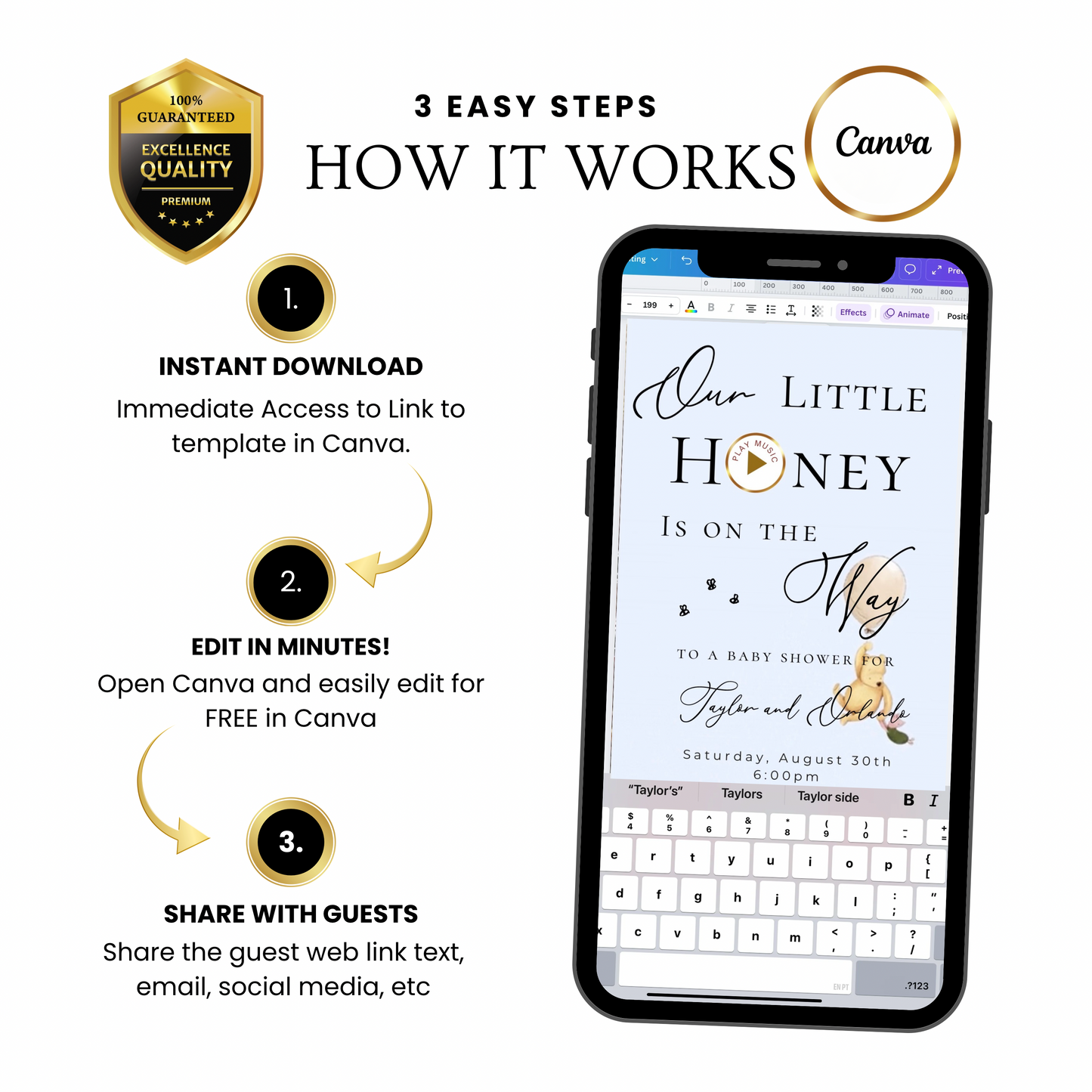
HOW IT WORKS
1. Purchase the template.
2. Click on Canva website template link.
3. Open the template in Canva using a free Canva account.
4. Edit the names, date, time, venue, RSVP details, registry info, and wording.
5. Publish your Canva website.
6. Share the website link with guests by text, email, QR code, or social media.
How to edit your website template https://youtu.be/9vskYzFWmik?si=PY4Y-T_b6K4gYoAZ
How to embed a Canva invite on LYFETYMES: https://youtu.be/8tZToqPsX90?si=jAnIQwKgxPp8kCCk
Watch more detailed instructions on our YouTube channel: https://www.youtube.com/@Lyfetymes
If you need anything, contact us at support@lyfetymes.com
Product Info
Product Info
Instantly downloadable digital invite with animated text and music for parties and celebrations.
FEATURES ⭐
• Editable Canva invitation template
• High-quality animated design (1080 x 1920 screen)
• Music and RSVP tracking included
• Share by text, WhatsApp, email, or social media
• Mobile-friendly design guests love
How it works
How it works
How It Works
1️⃣ Purchase the template,
Immediately access your Canva template link.
2️⃣ Edit your invitation,
Personalize the design with your event details and photos.
3️⃣ Add your RSVP option by
A) Create LYFETYMES Interactive Website B) LYFETYMES RSVP form- website templates, add a QR code, C) or simply add your phone number to invite.
4️⃣ Send your invitation
by text, email, WhatsApp, or social media.
• Canva account required (free) | LYFETYMES account needed for RSVP/party planning(FREE)
• Personal use only
Editing in Canva
Editing in Canva
All invite editing done in Canva, which is free.
You can:
• Add or remove text
• Change fonts, colors, and size
• Replace photos with your own images
• Change music
• Adjust event details
You cannot:
• Edit animated graphics
• Change the video background
Once you finish editing, simply download and send or share the guest watch link (recommended for best guest experience) by text, email, WhatsApp, or social media.



Edited For You Invite + Custom RSVP Website
Add our premium editing service and we’ll:
- ✔ Edit your video invitation for you
- ✔ Set up your RSVP website
- ✔ Add your event details, RSVP, registry & directions
- ✔ Send your guest website login information
- ✔ Make everything ready to share by text or social media