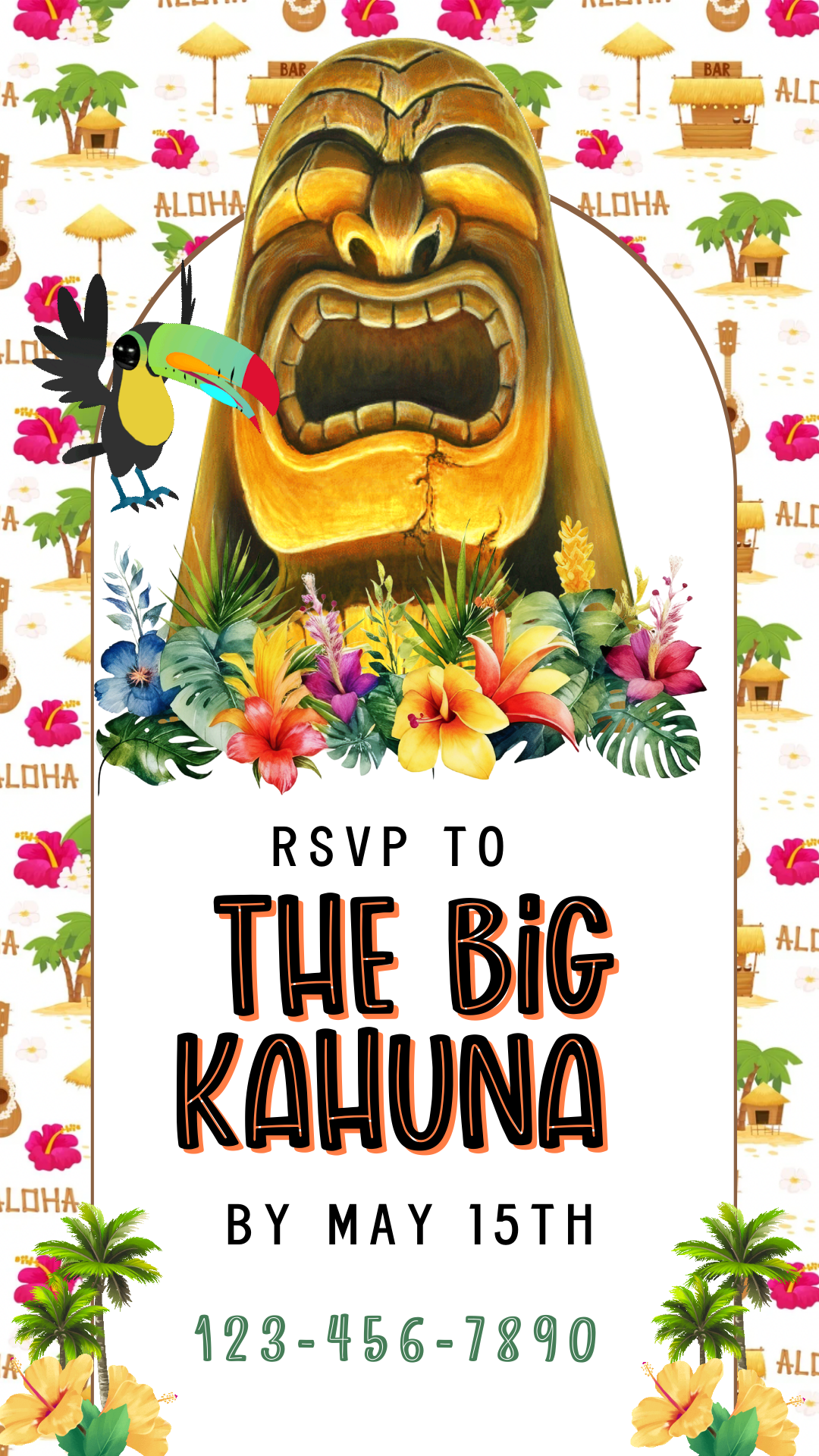
Celebrate your little one’s milestone with our Hawaiian 1st Luau Party Video Invitation – a vibrant and tropical way to invite family and friends to the party. This digital luau-themed invitation features hibiscus flowers, palm leaves, tiki vibes, and cheerful island-inspired colors, creating the perfect atmosphere for a first birthday celebration.
✨ Key Features:
Hawaiian luau 1st birthday party invitation in video format (MP4)
Fully editable and customizable with your event details
Tropical design with hibiscus flowers, palm leaves, and an island theme
Instantly shareable via WhatsApp, Email, or Social Media
Eco-friendly and cost-effective digital alternative to paper invites
Whether you’re hosting a backyard luau, a beach party, or a tropical-themed indoor celebration, this Hawaiian 1st birthday luau video invitation sets the tone for a fun and festive day. Make your child’s first birthday extra special with a beautifully designed, easy-to-share video invite.
lightbulb_2
Product Info
Instantly downloadable digital invite with animated text and music for parties and celebrations.
FEATURES ⭐
• Editable Canva invitation template • High-quality animated design (1080 x 1920 screen) • Music and RSVP tracking included • Share by text, WhatsApp, email, or social media • Mobile-friendly design guests love
help
How it works
How It Works
1️⃣ Purchase the template, Immediately access your Canva template link.
2️⃣ Edit your invitation, Personalize the design with your event details and photos.
3️⃣ Add your RSVP option by A) Create LYFETYMES Interactive Website B) LYFETYMES RSVP form- website templates, add a QR code, C) or simply add your phone number to invite.
4️⃣ Send your invitation by text, email, WhatsApp, or social media. • Canva account required (free) | LYFETYMES account needed for RSVP/party planning(FREE) • Personal use only
edit
Editing in Canva
All invite editing done in Canva, which is free.
You can: • Add or remove text • Change fonts, colors, and size • Replace photos with your own images • Change music • Adjust event details
You cannot:
• Edit animated graphics • Change the video background
Once you finish editing, simply download and send or share the guest watch link (recommended for best guest experience) by text, email, WhatsApp, or social media.